
Core benefit 1
Vocabulary with real depth
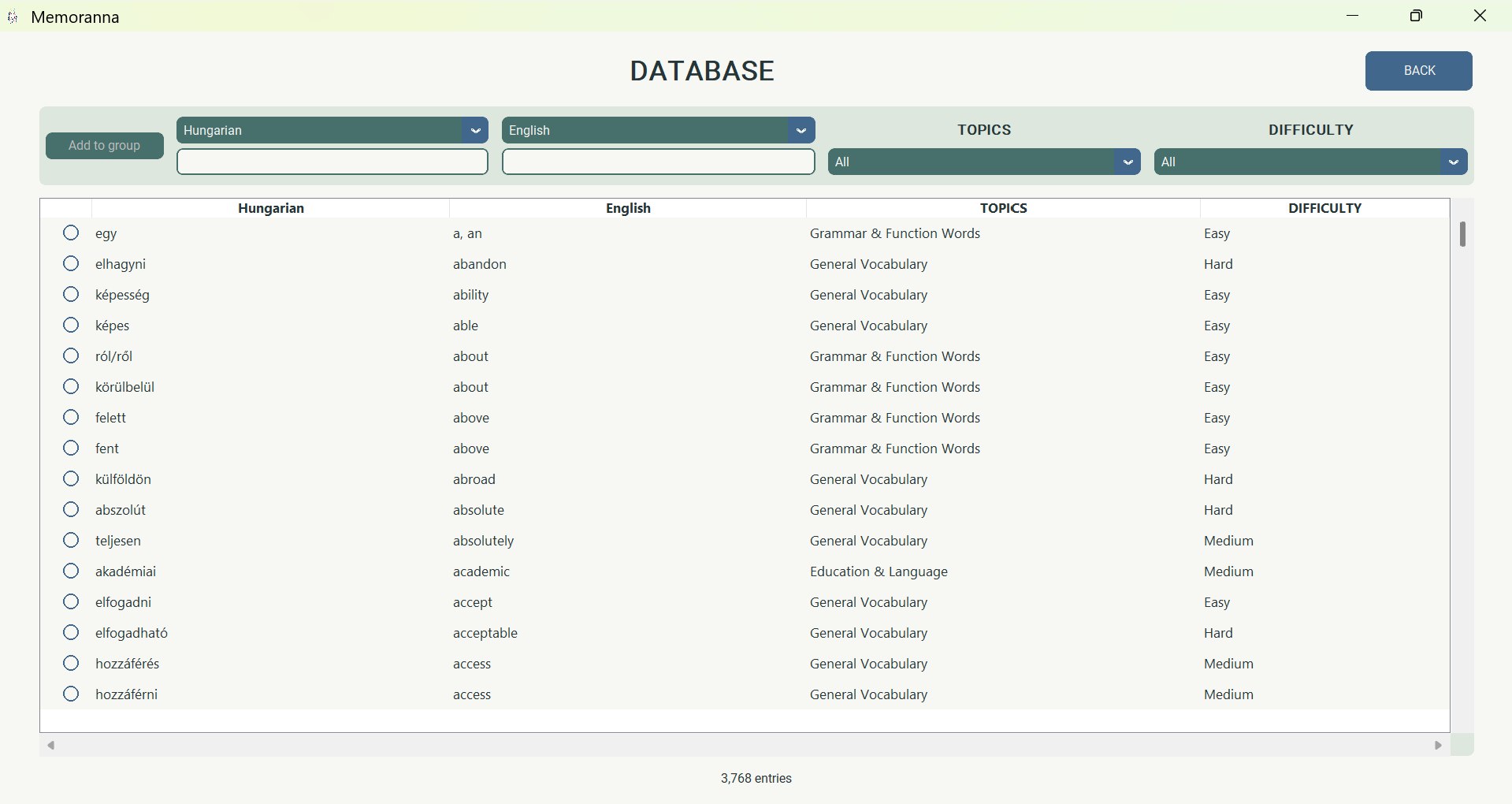
Practice around 3,700 carefully curated vocabulary entries across any pairing of 24 supported languages.
Vocabulary practice with a surprise
For children and adults: choose any two of 24 supported languages, practice from around 3,700 curated vocabulary entries, and uncover a favorite picture—one pair at a time.
Local learner profiles. No cloud. Your learning data stays on your computer.
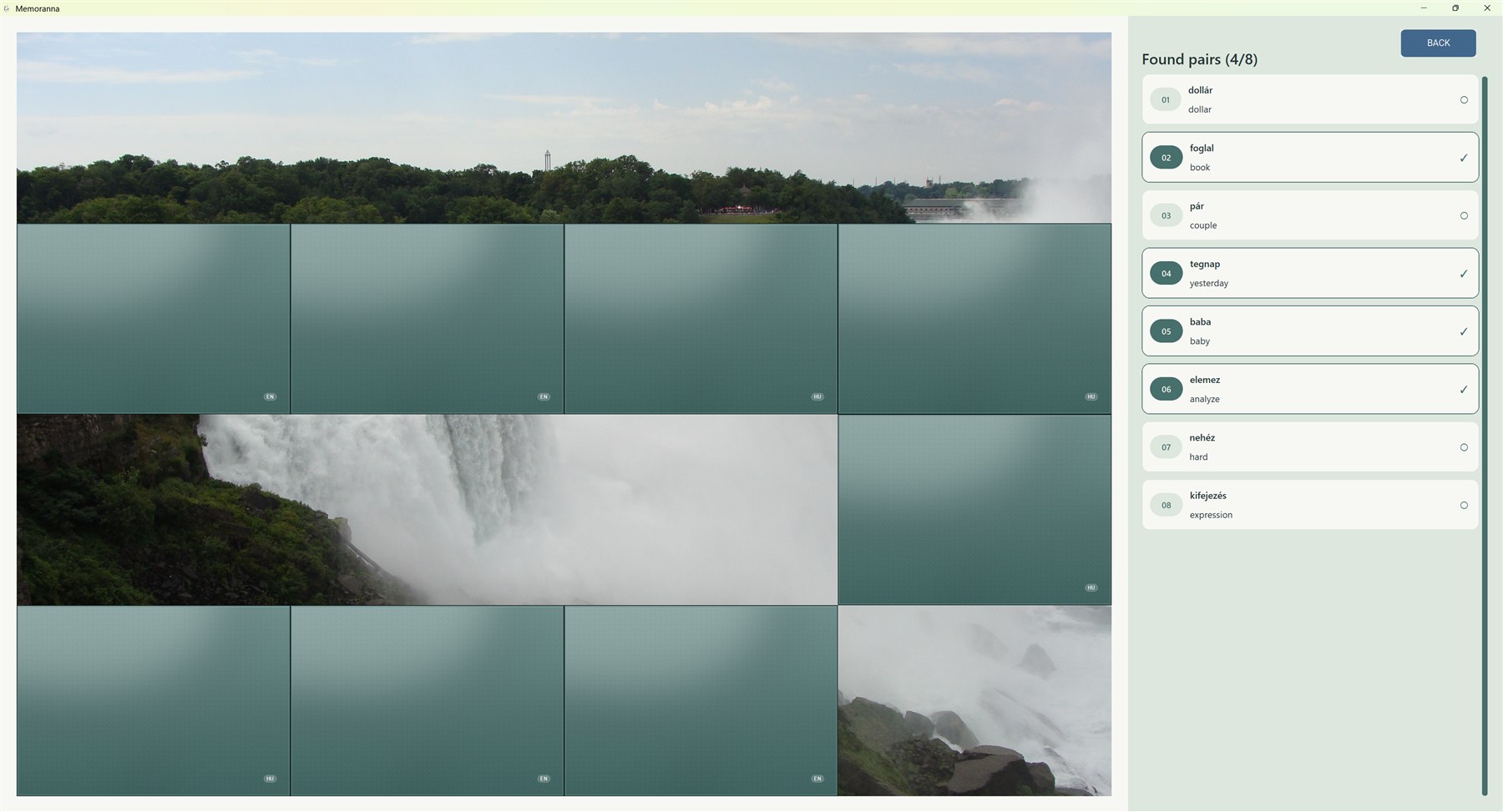
The real application
Start with a board of hidden cards. Find the matching words, and watch the chosen picture return piece by piece.
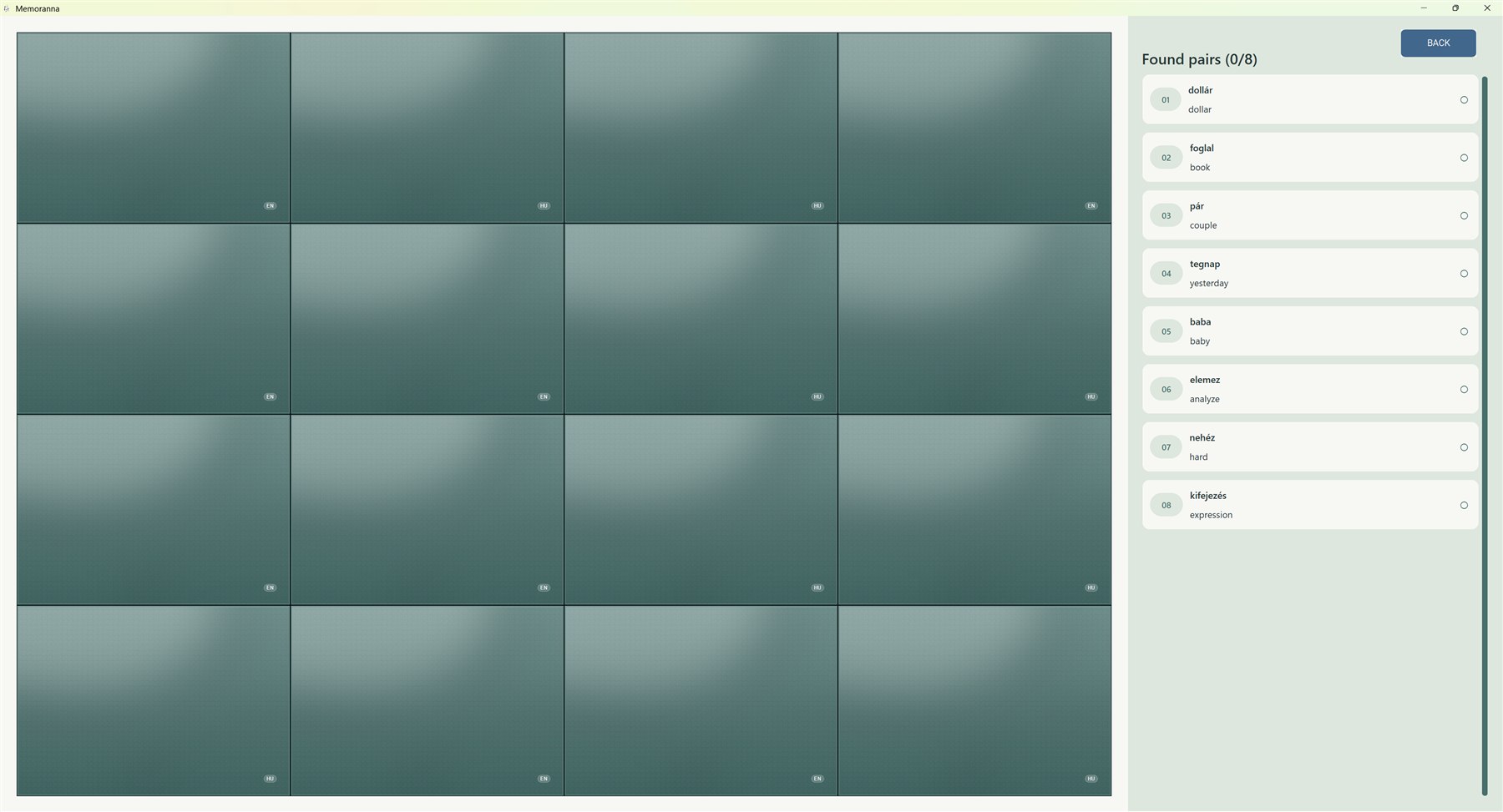
Behind the game
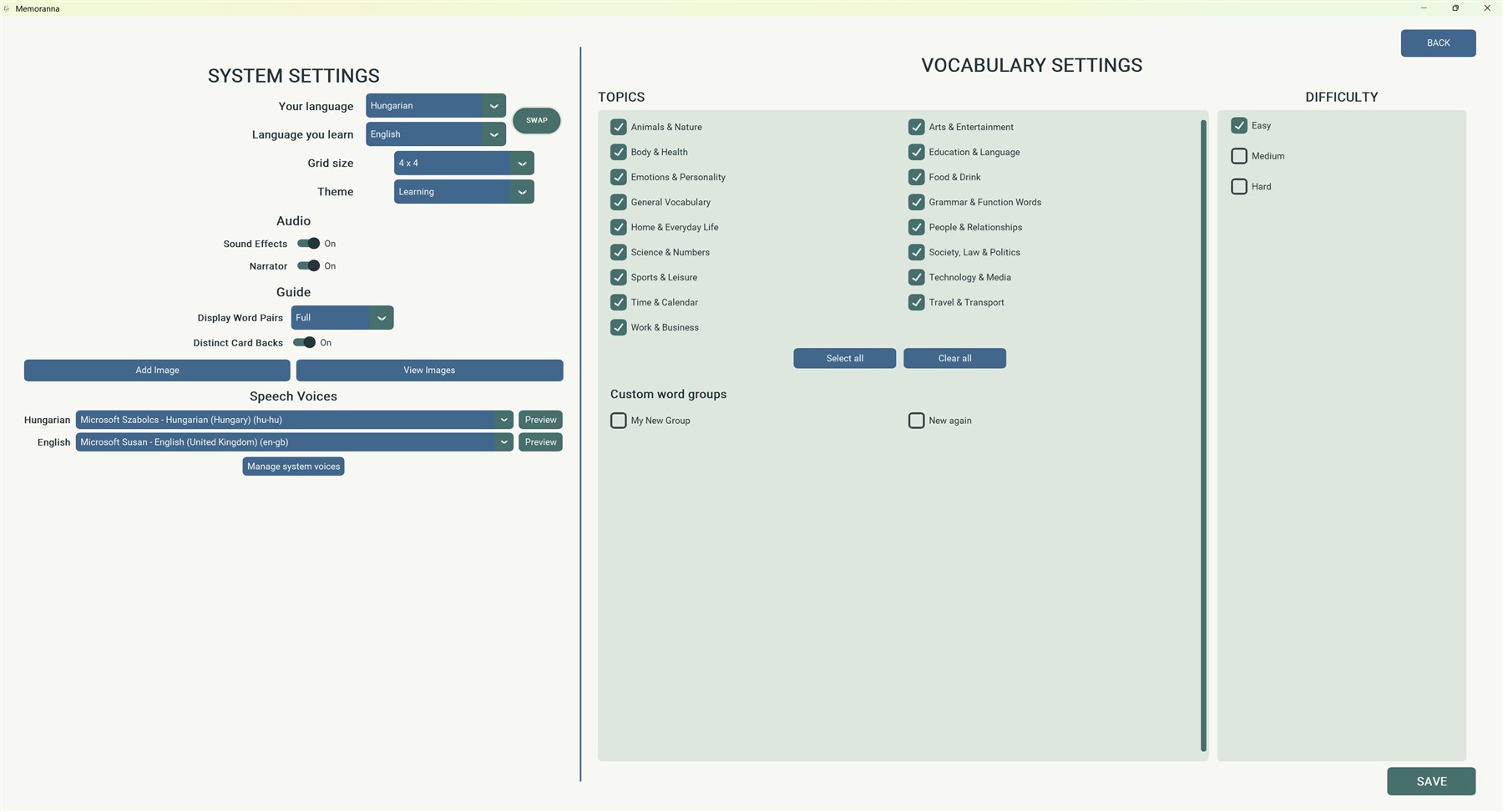
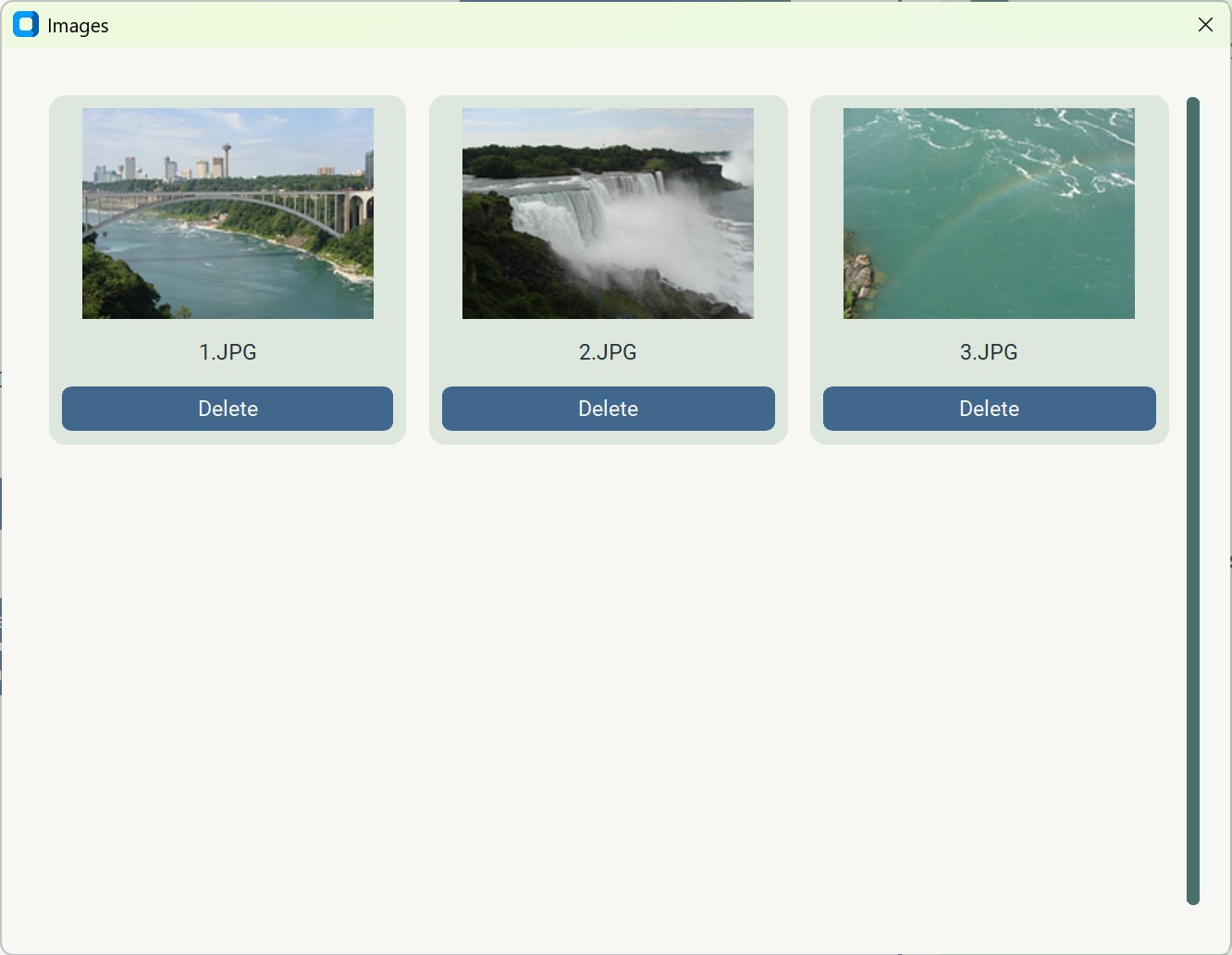
Choose the learner’s setup, focus the vocabulary, and select the picture before play begins.
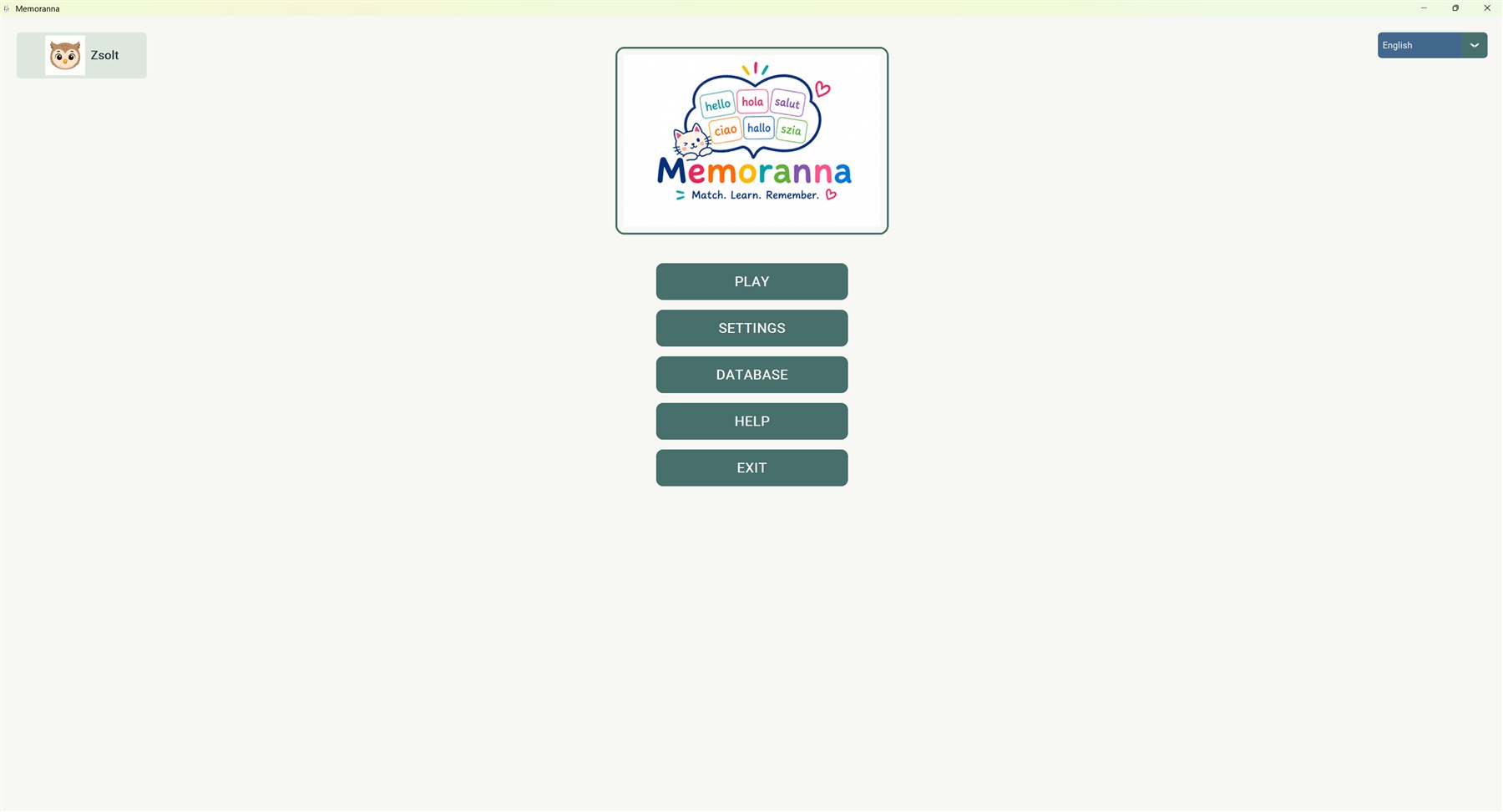
How it works
Set up a game for yourself or another learner, then let curiosity and repetition do their part.
Select a language pair, vocabulary topics, and a comfortable difficulty.
Turn over cards and find words that have the same meaning in both languages.
Every correct pair disappears and uncovers more of the hidden picture.
From beginner to upper intermediate. The built-in database goes well beyond starter vocabulary, giving independent adults and younger learners room to keep progressing.
 English
 Hungarian
 Italian
 German
 Spanish
 French
 Dutch
Dutch Portuguese
 Russian
 Polish
 Danish
 Finnish
 Norwegian
 Swedish
 Turkish
 Greek
Greek Czech
Czech Romanian
 Ukrainian
 Chinese
 Japanese
 Korean
 Croatian
 Arabic
Flags are representative visual markers. Languages are spoken across countries and communities beyond the flag shown.
Flexible practice
Start with strong vocabulary, a personal reason to finish, and local data—then adjust the challenge, guidance, sound, and appearance.
Practice around 3,700 carefully curated vocabulary entries across any pairing of 24 supported languages.
Choose a suitable picture from the local library and uncover it one match at a time.
Profiles, settings, groups, vocabulary selections, and pictures stay on the computer.
Keep separate local profiles with individual settings and custom word groups.
Filter by topic and difficulty, then choose a 2×2, 4×4, 6×6, or 8×8 grid.
Use hidden, partial, or fully displayed pair guides and language-specific card backs.
Hear revealed words using compatible voices installed in the operating system.
Choose calm, light, dark, high-contrast, colorblind-safe, and additional color themes.
Export settings and custom groups in a .memoranna file. Pictures transfer separately.

For every kind of learner
Memoranna is not only a children’s learning aid. Independent adult learners can use the same flexible game to revisit vocabulary, focus on a topic, or work through increasingly challenging word sets.
Parents, teachers, and tutors can prepare an experience for someone else, while adults can configure their own profile, language pair, topics, difficulty, grid size, learning aids, and surprise pictures. Separate local profiles keep every learner’s choices and custom word groups together.
Privacy
Memoranna runs locally on your computer. It does not create online accounts and contains no advertising, analytics, cloud synchronization, or Memoranna server upload functionality. Learner profiles, settings, custom groups, and imported pictures remain in the application’s local data folder.
Vocabulary is stored in a local SQLite database. Learner settings and custom groups are stored in local files, while imported pictures are copied into the application’s local image library. Memoranna does not intentionally upload profiles, vocabulary selections, custom groups, or pictures to a Memoranna server.
Local application data and pictures are not encrypted. Anyone with access to the computer or application-data folder may be able to read or view them.
Narration uses compatible operating-system voices and is governed by the system’s voice and privacy settings.
Exported .memoranna files are saved where you choose and contain the nickname, avatar, settings, and custom word groups—not pictures or learning history. Treat exports as private and share them only with trusted people. Copy pictures separately when moving devices, and back up anything you want to preserve before uninstalling.
Parents and guardians should choose age-appropriate pictures. Imported files must be readable images at least 800×800 pixels; the original file is not moved or modified.
Memoranna is a vocabulary practice tool. It does not replace a teacher or an authoritative language resource. Vocabulary and computer-generated pronunciation may contain errors and may not cover every meaning, grammatical form, dialect, or regional pronunciation.
A personal project
I created Memoranna from the first idea through to the finished application. I built and curated the vocabulary database, designed and developed the app, tested it, and take care of publishing it. It has been a thoughtful, hands-on project, and I hope it makes vocabulary practice a little more enjoyable.
View my LinkedIn profile (opens LinkedIn in a new tab)
Download
Get Memoranna for Windows · Get Memoranna for Mac
Windows
Desktop application

macOS
Desktop application

Memoranna is planned as an affordable one-time purchase through the Microsoft Store and Mac App Store. Local pricing may vary by platform, currency, region, and applicable taxes.
One purchase includes the complete vocabulary game, with 24 supported languages and around 3,700 carefully curated vocabulary entries.
Word narration uses compatible voices installed in your operating system. Voice availability, accent, and pronunciation quality can vary.